Kineo vs general project management tools
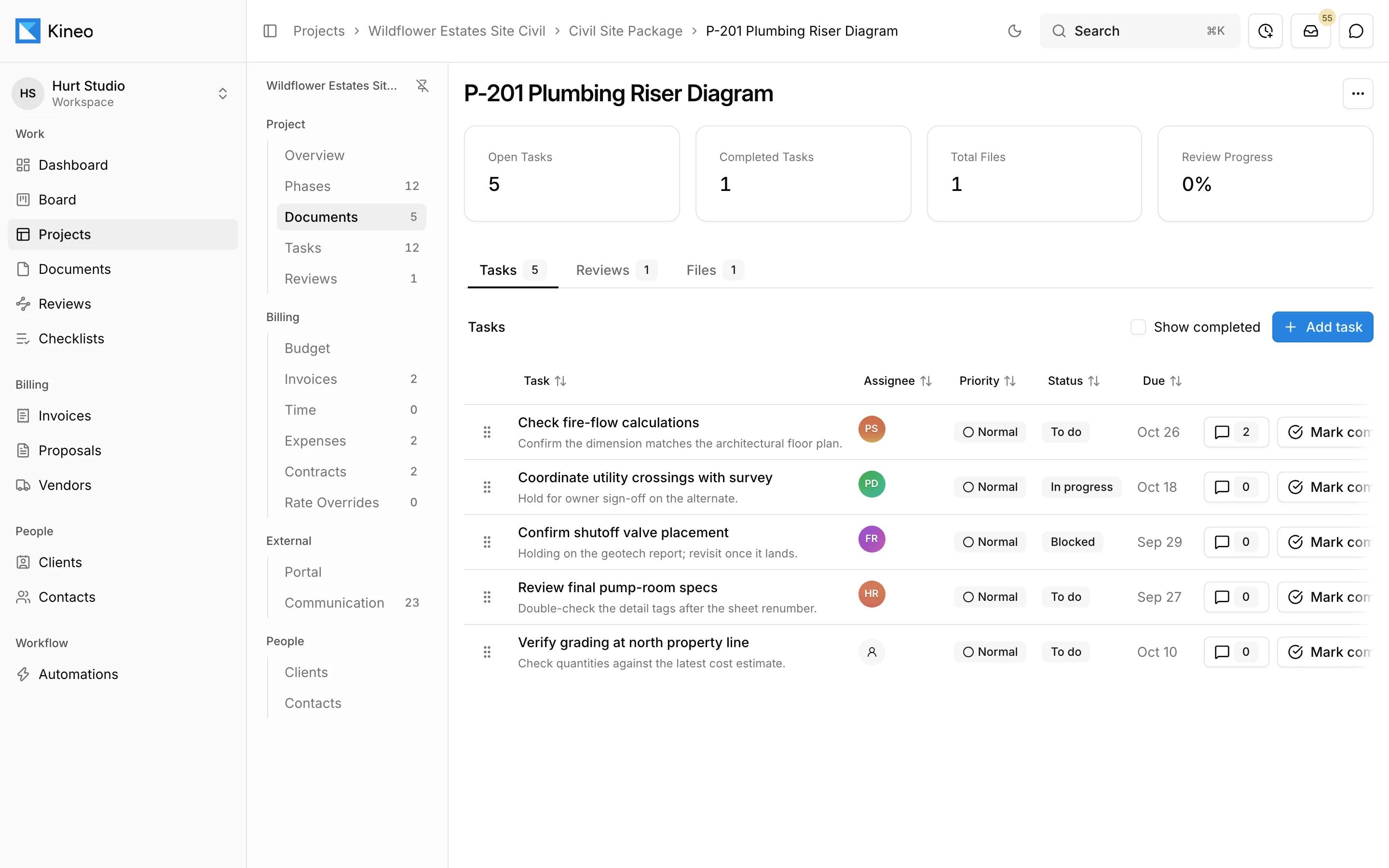
Tools like Trello, Asana, and Monday are good at tracking tasks. Engineering and architecture projects revolve around documents that get reviewed, revised, resubmitted, and billed, and Kineo is built around those documents.
Free for 14 days, with every feature included.
What they do well
Flexible boards and lists, friendly interfaces, and integrations with almost everything. They're a good fit for work that isn't tied to drawings.
A sign you've outgrown them
Your team keeps a spreadsheet next to the board to track submittal status, because the board can't track the documents themselves.
Feature comparison
| Capability | Kineo | General project management tools |
|---|---|---|
| What you track | Documents, with their tasks, reviews, and revisions | Task cards |
| Markup and checklist review | Yes | Attachments only |
| Versions | Every revision kept with the document | New attachments added alongside old ones |
| Outside reviewers | Emailed link, no account, no seat | Guest access, varies by tool |
| Billing | Contracts, time, invoices, QuickBooks Online | Not covered |
| Assistant | Drafts proposals, change orders, and invoices from your contracts and approved time | Many include AI features for tasks and summaries |
| Non-project work | Built for project delivery | Very flexible |
Which one fits
A general tool
For internal work that isn't project delivery, like hiring or office tasks.
Kineo
For the projects themselves: drawing sets, reviews, and billing.
Trying Kineo on one project
Move one active project's documents into Kineo and stop updating its status spreadsheet. After a couple of weeks, you'll know whether the dashboard can replace it.
Try Kineo on a project you're working on now
Set up a project with its contract and phases, invite your team, and give the assistant some of the routine work. Your first 14 days are free, with every feature included.