From accepted proposal to invoice, synced with QuickBooks Online
When a client accepts your proposal, its fee lines become the contract. Kineo drafts each invoice by phase from percent complete and approved hours and expenses, with retainage where your contracts need it, and syncs invoices and payments to QuickBooks Online.
Free for 14 days, with every feature included.
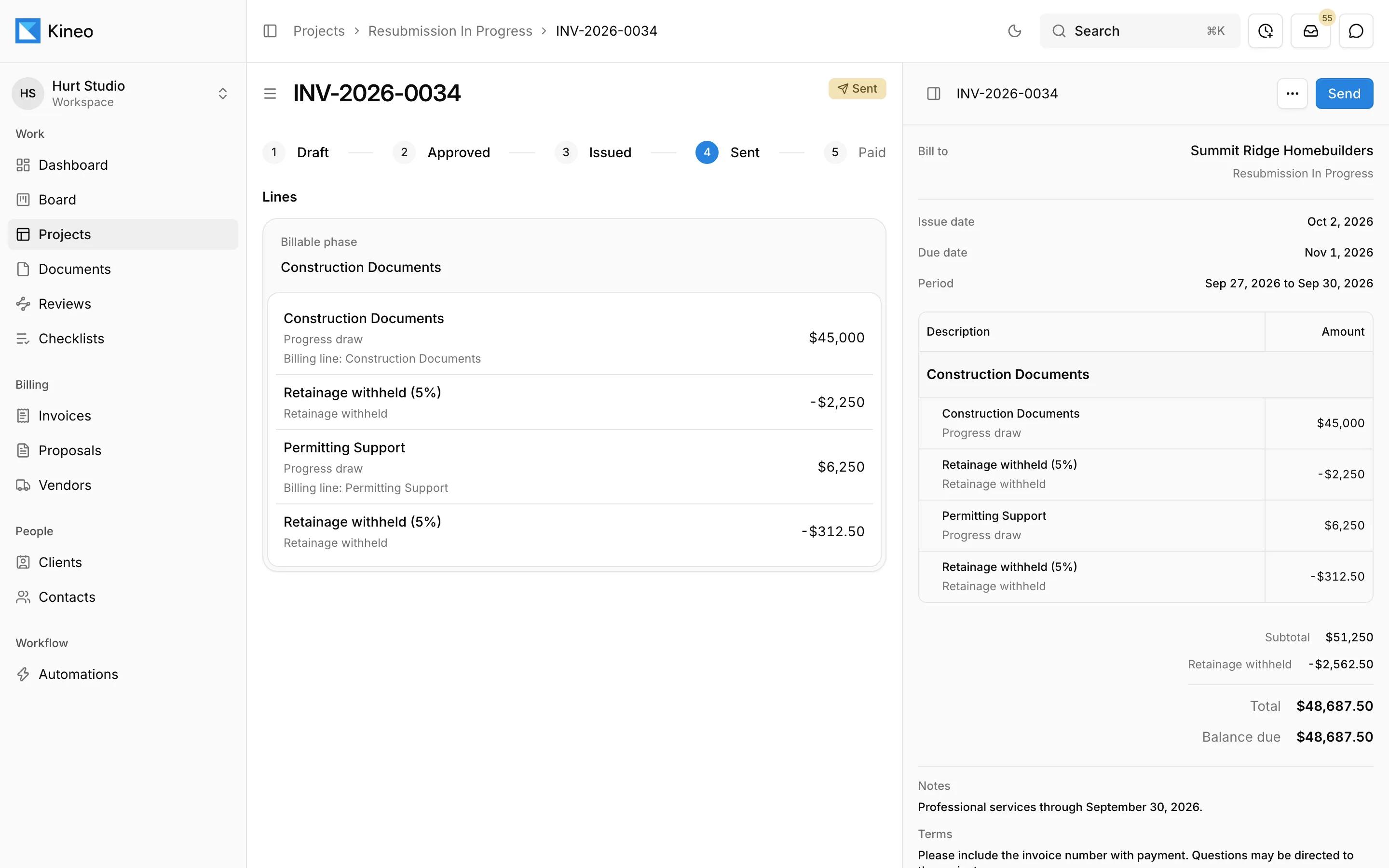
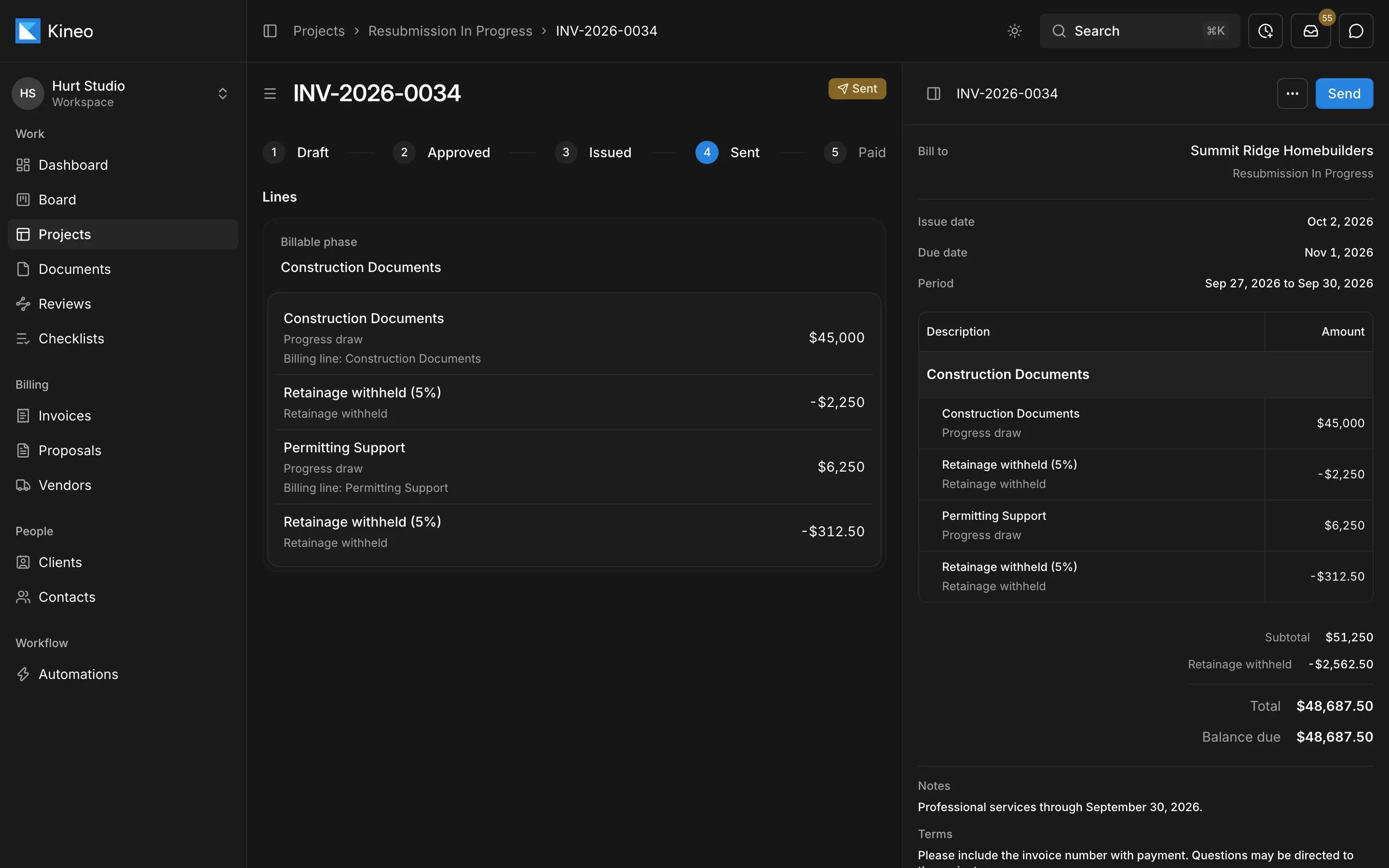
- 1Each invoice moves from draft to approved, issued, sent, and paid.
- 2Progress draws are listed by billing line.
- 3Retainage is withheld at the contract's rate.
- 4Subtotal, retainage, and balance due, ready to send as a PDF.
Most invoicing tools don't understand phases or retainage
So the invoice gets built in a spreadsheet each month from the contract, the timesheets, and last month's invoice, and someone checks the math by hand.
Start billing when the client accepts
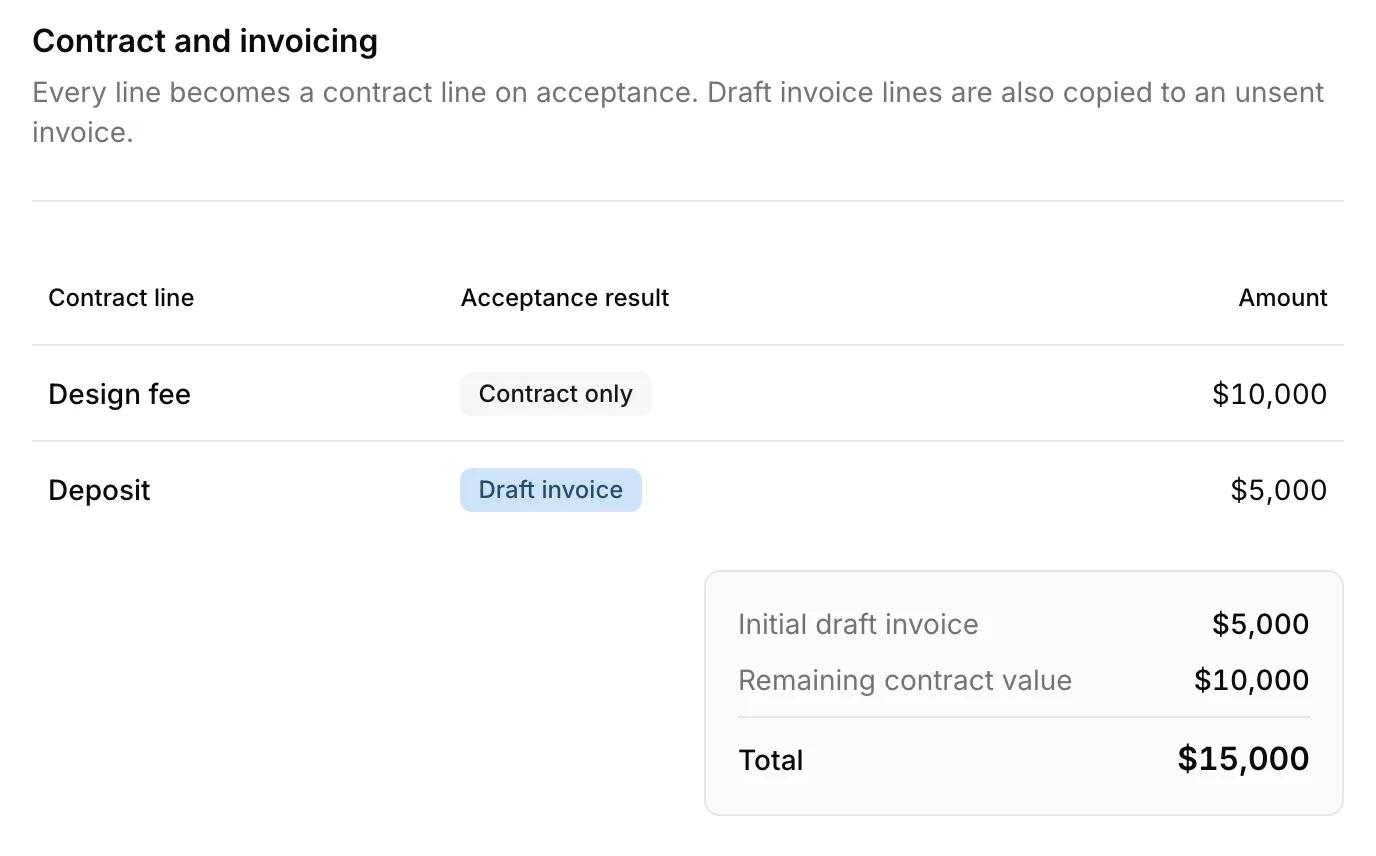
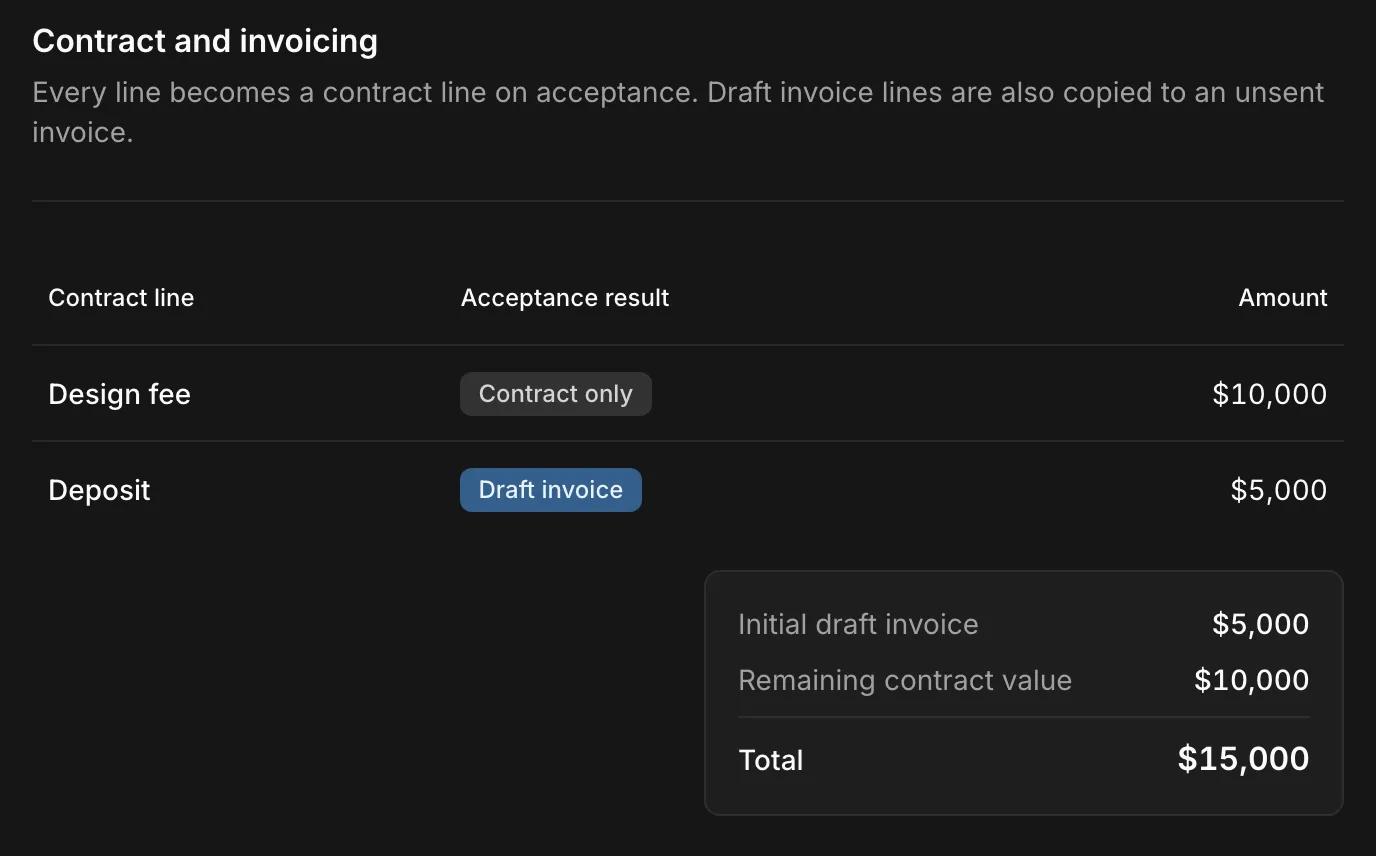
Every line on a proposal becomes a contract line when the client accepts, so nobody retypes the fees. Mark the lines you want billed right away, like a deposit, and Kineo copies them to a first draft invoice at the same moment.
An automation can also watch for accepted proposals and prepare the next draft for your team, such as an invoice or a change order.
Set up the contract once
Accepted proposals set up the contract for you, or you can create one directly. Each contract has its original value, retainage percentage, rate table, and invoice numbering. Its fee lines make up the schedule of values.
Each fee line bills one of two ways. Declared progress bills a percent complete. Observed time bills approved hours and expenses at their rates, with the line amount as its budget.
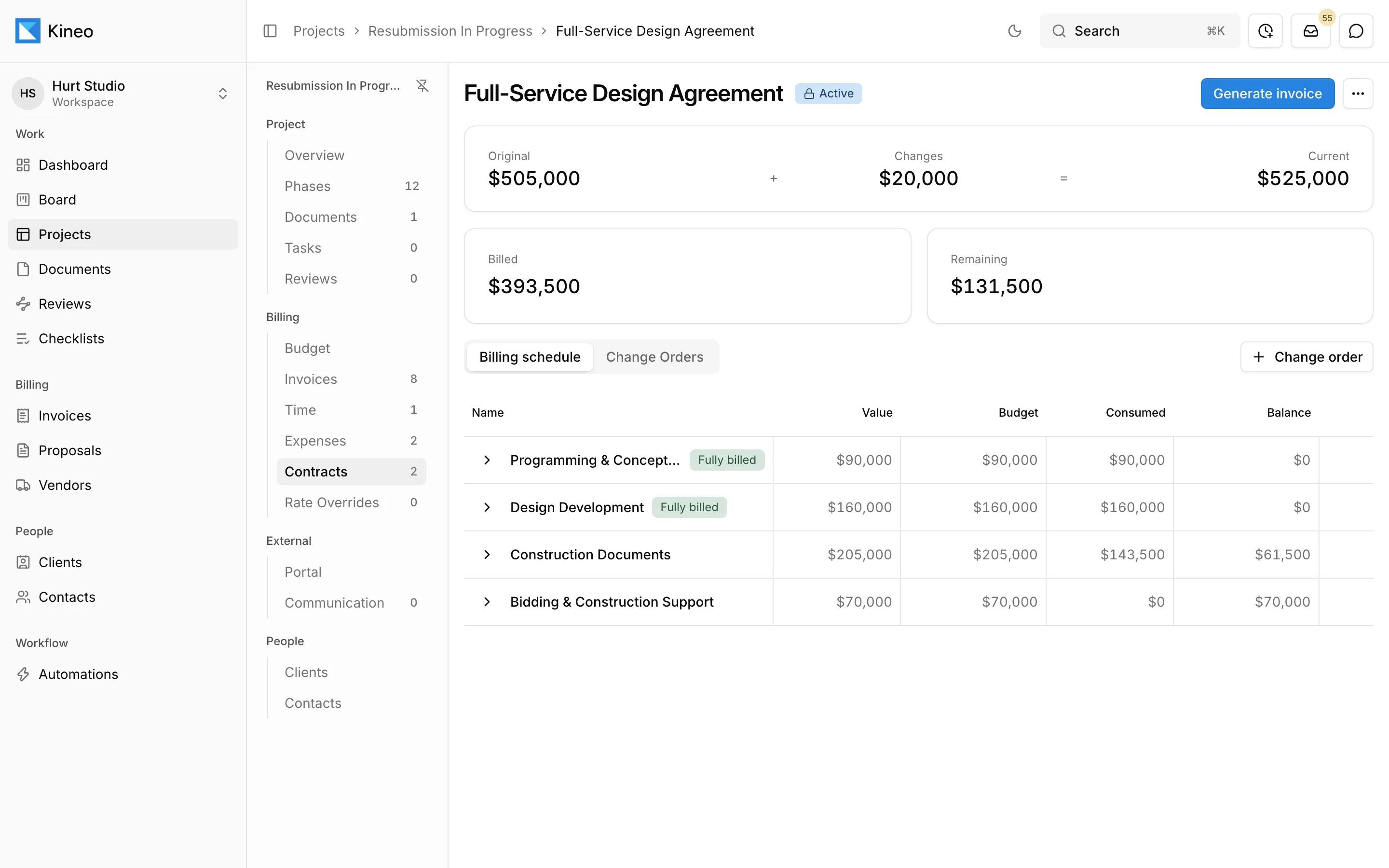
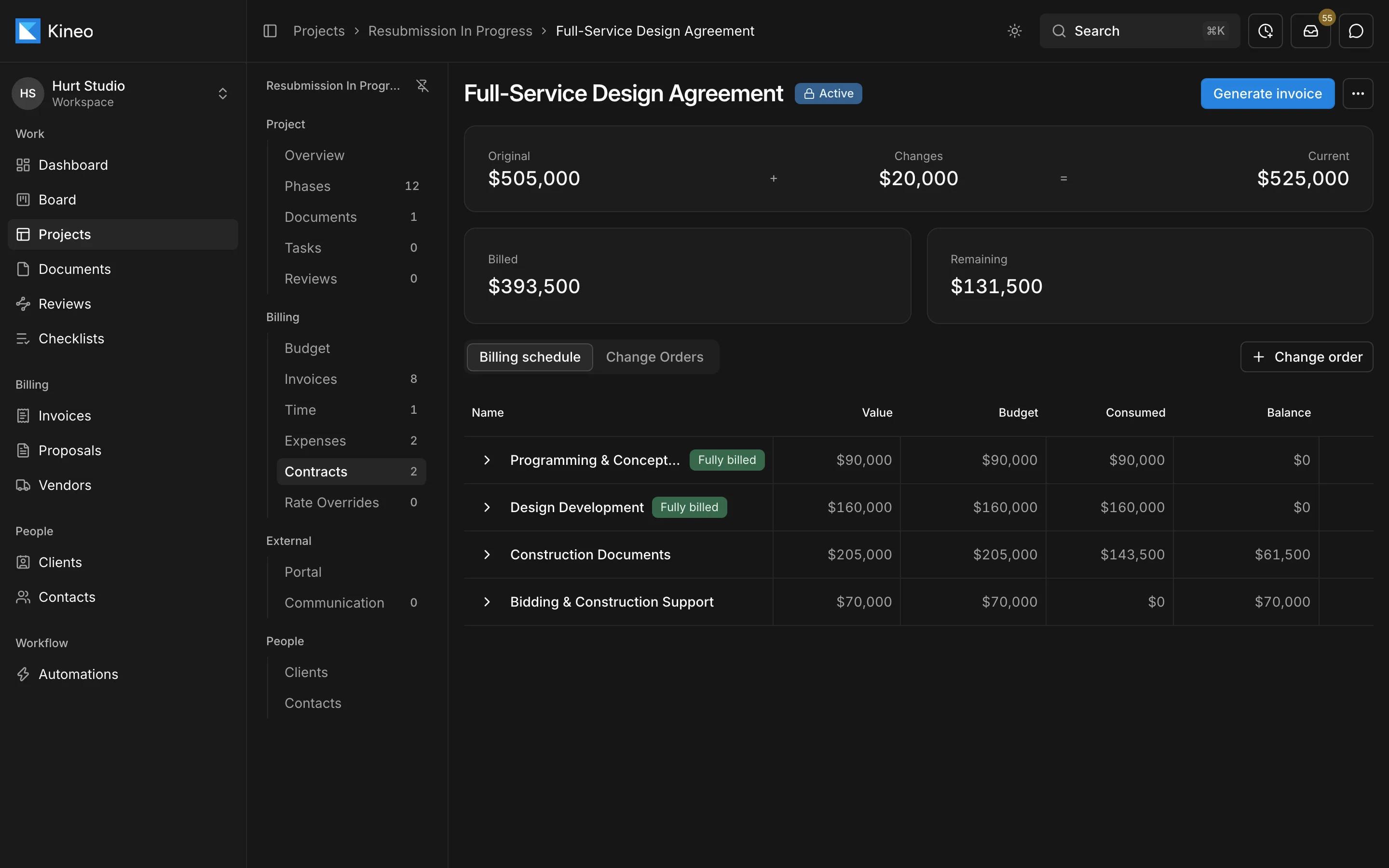
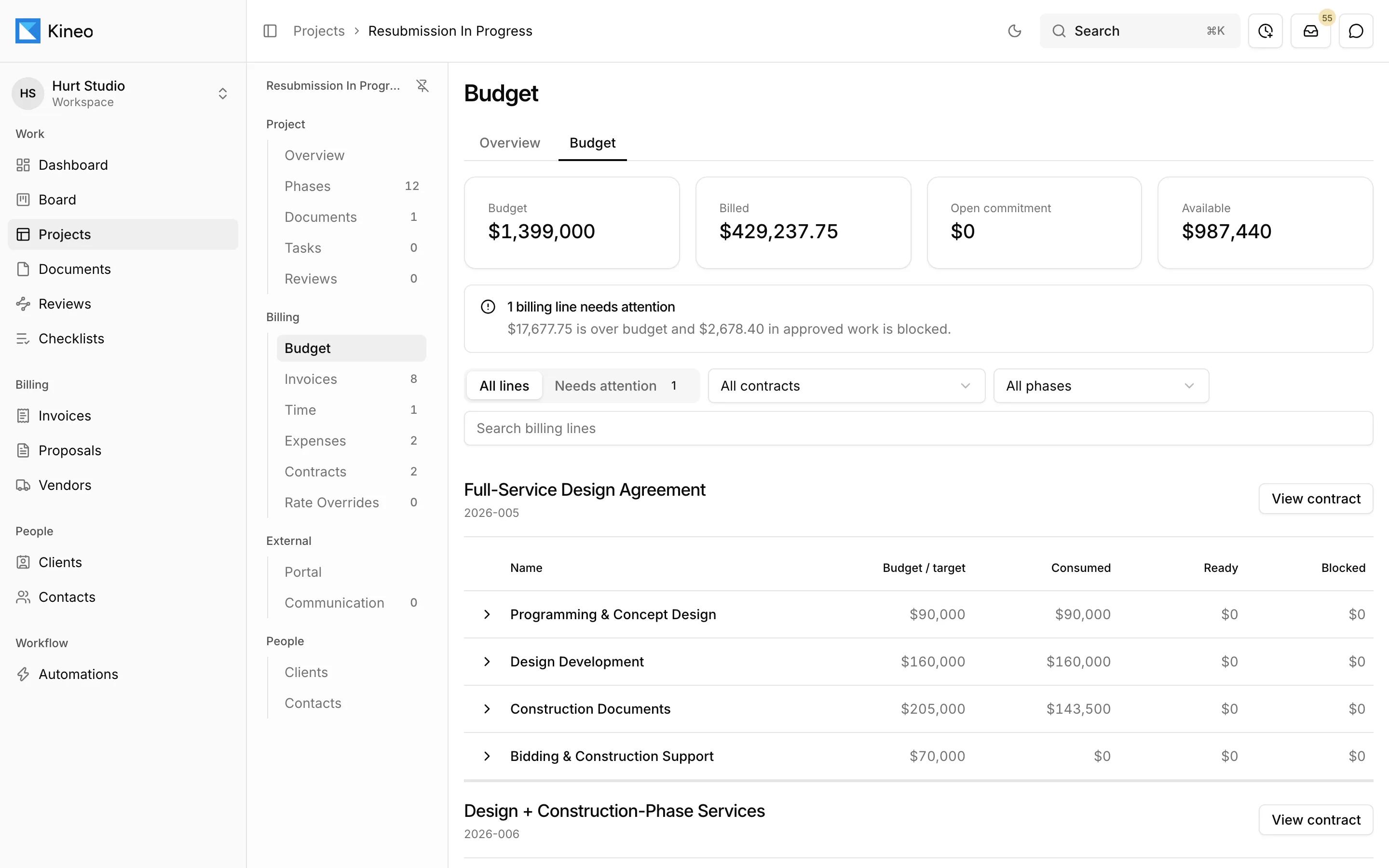
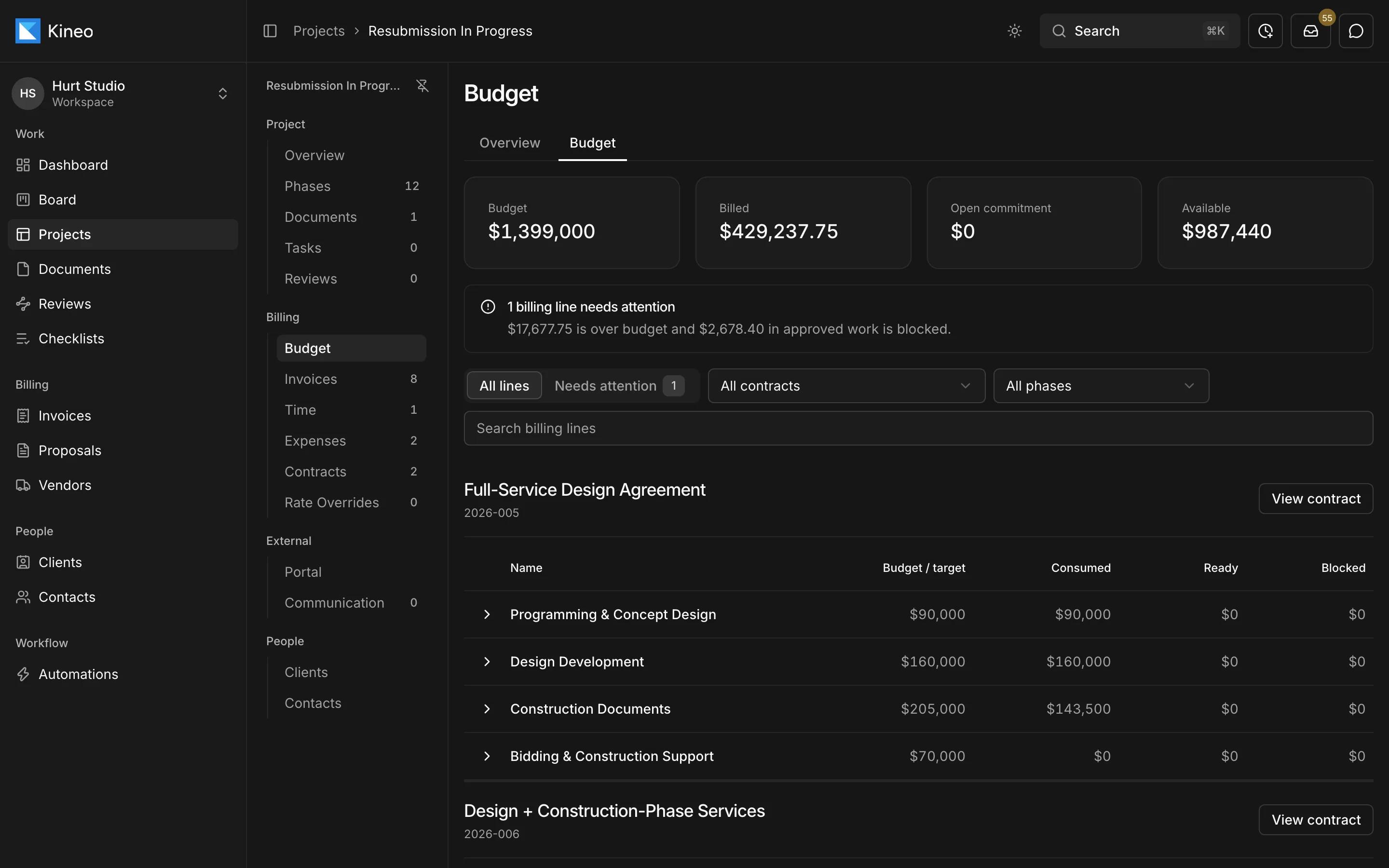
Catch over-budget work before it's billed
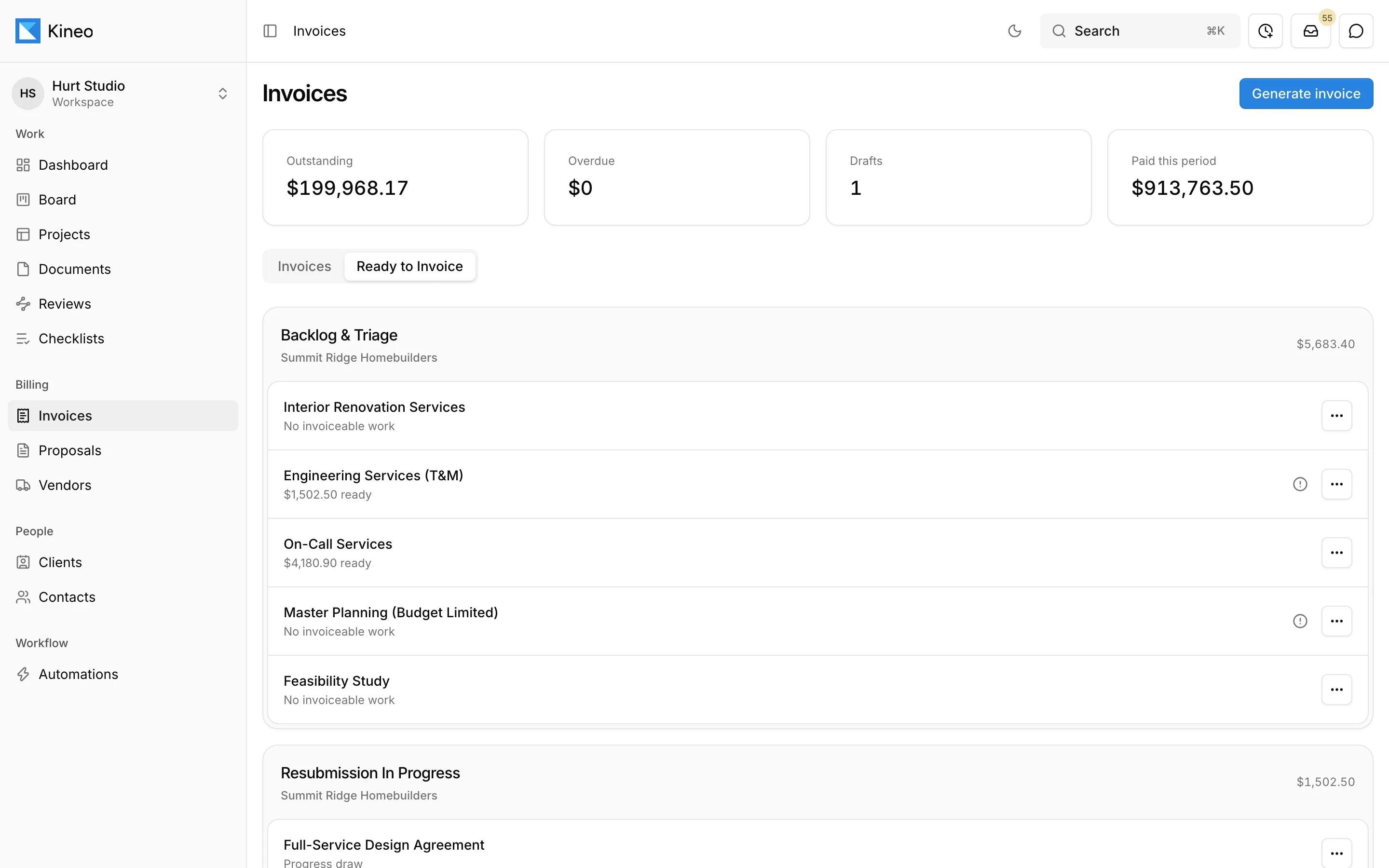
See what's budgeted, billed, ready, and blocked for every billing line. Work that would push a line or phase over budget is held back and flagged so someone can decide what to do with it.
See what every contract can bill today
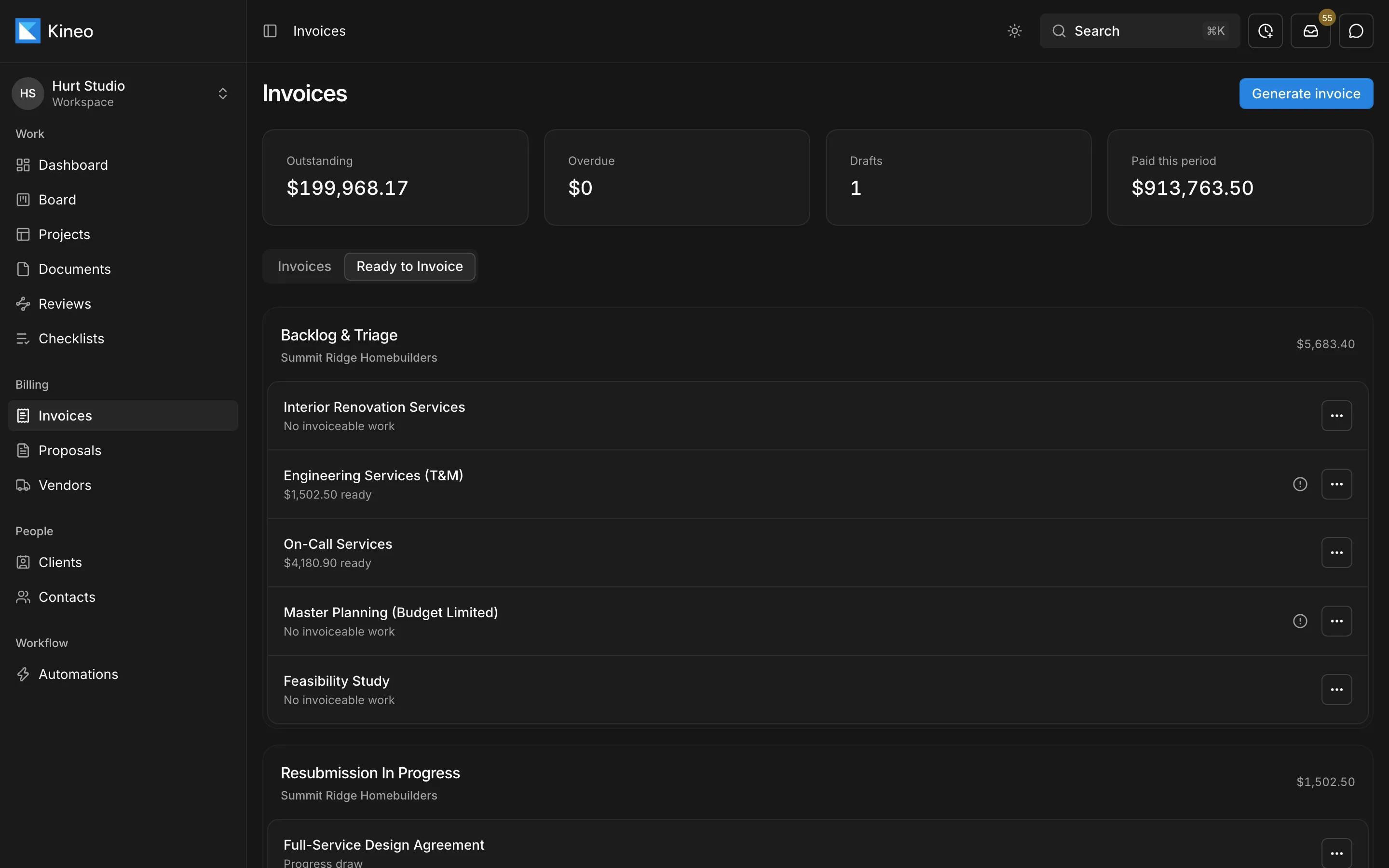
The Ready to Invoice view lists each contract and the amount it can bill right now. Generate a draft, check it, and send it through approval.
Change orders
Invoice layouts and delivery
Recording payments
Common questions
Try Kineo on a project you're working on now
Set up a project with its contract and phases, invite your team, and give the assistant some of the routine work. Your first 14 days are free, with every feature included.