Timesheets and expenses, approved before they're billed
Your team fills in a weekly timesheet. Project managers approve it, and approved hours bill at the right rate. Expenses go through the same approval, with markup handled the way the contract specifies.
Free for 14 days, with every feature included.
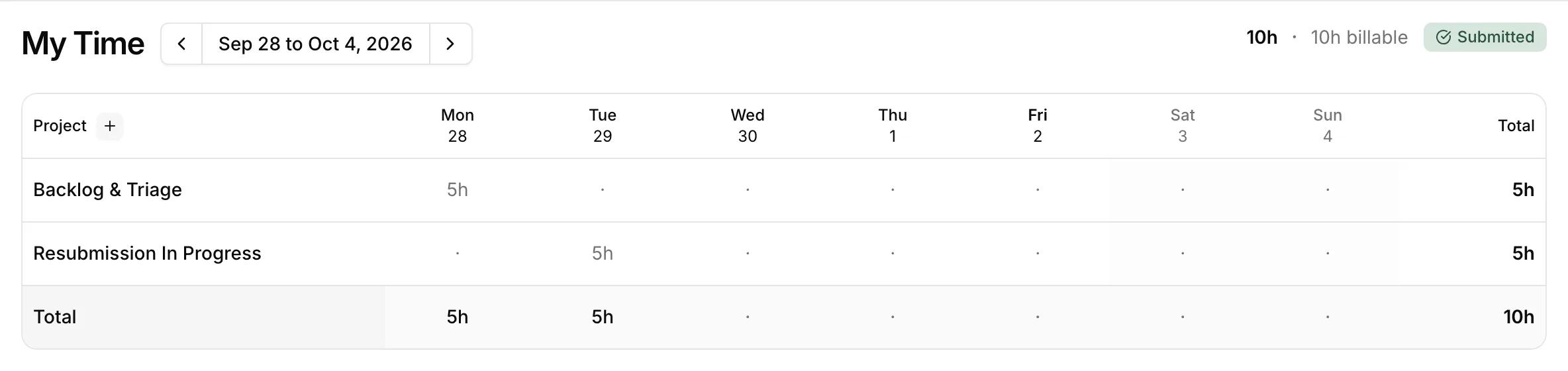
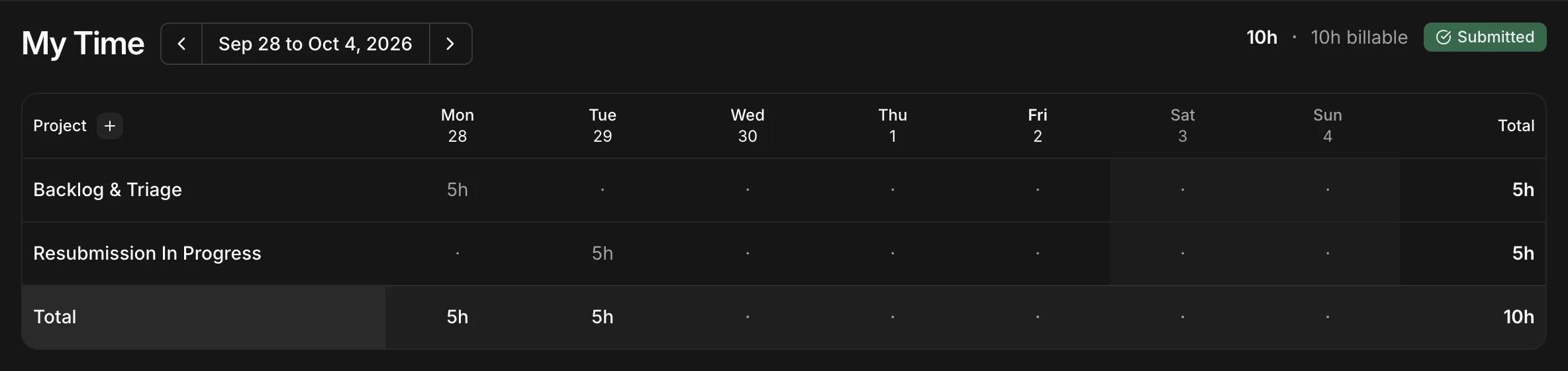
- 1One row per project, with an optional phase, task, document, and billing line.
- 2Hours for each day, marked billable or not.
- 3Submitting the week locks it for approval.
Hours get lost between the timesheet and the invoice
When time is tracked in one app, approved in a spreadsheet, and billed from memory, some of it never reaches an invoice.
Approval locks in the value
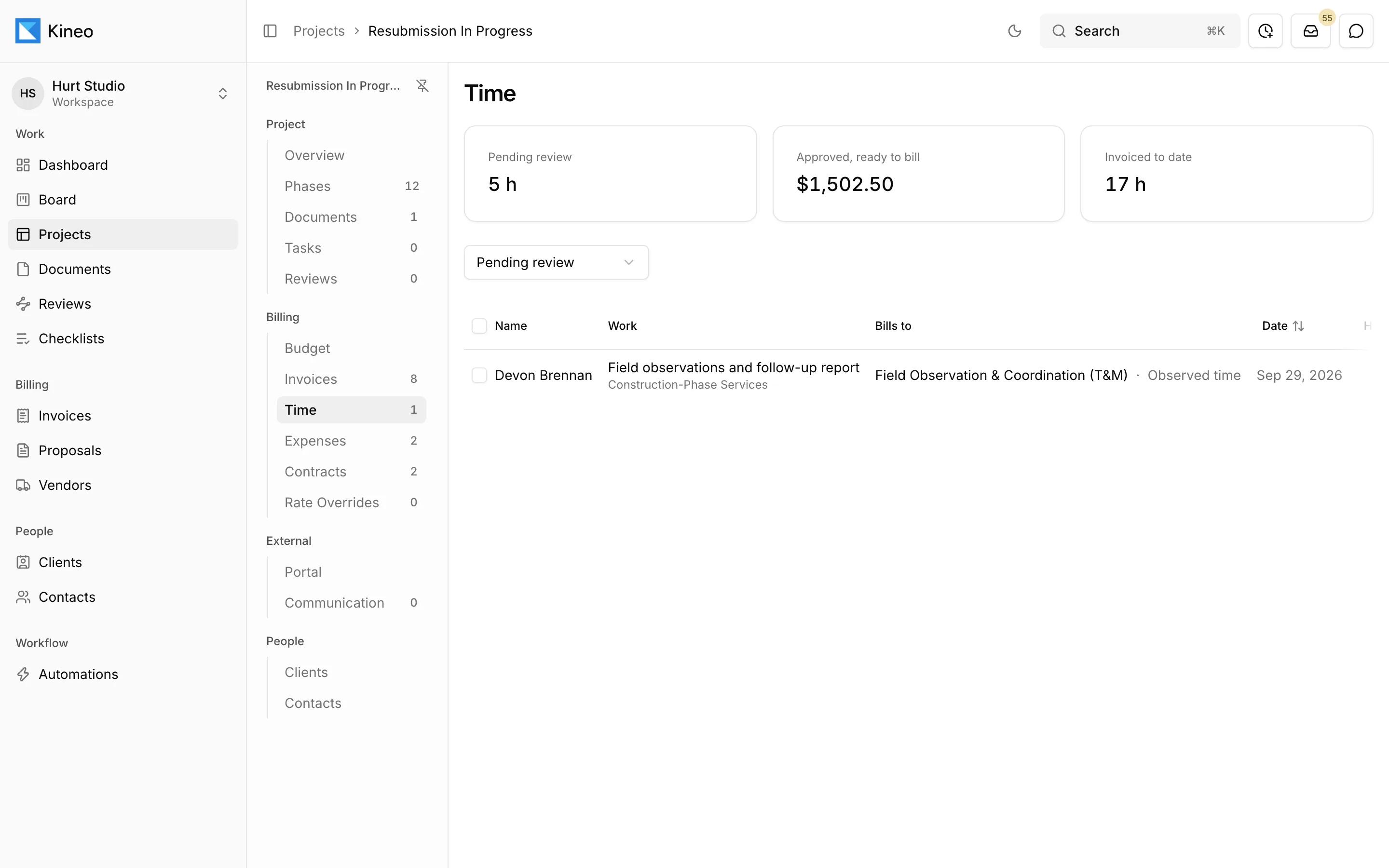
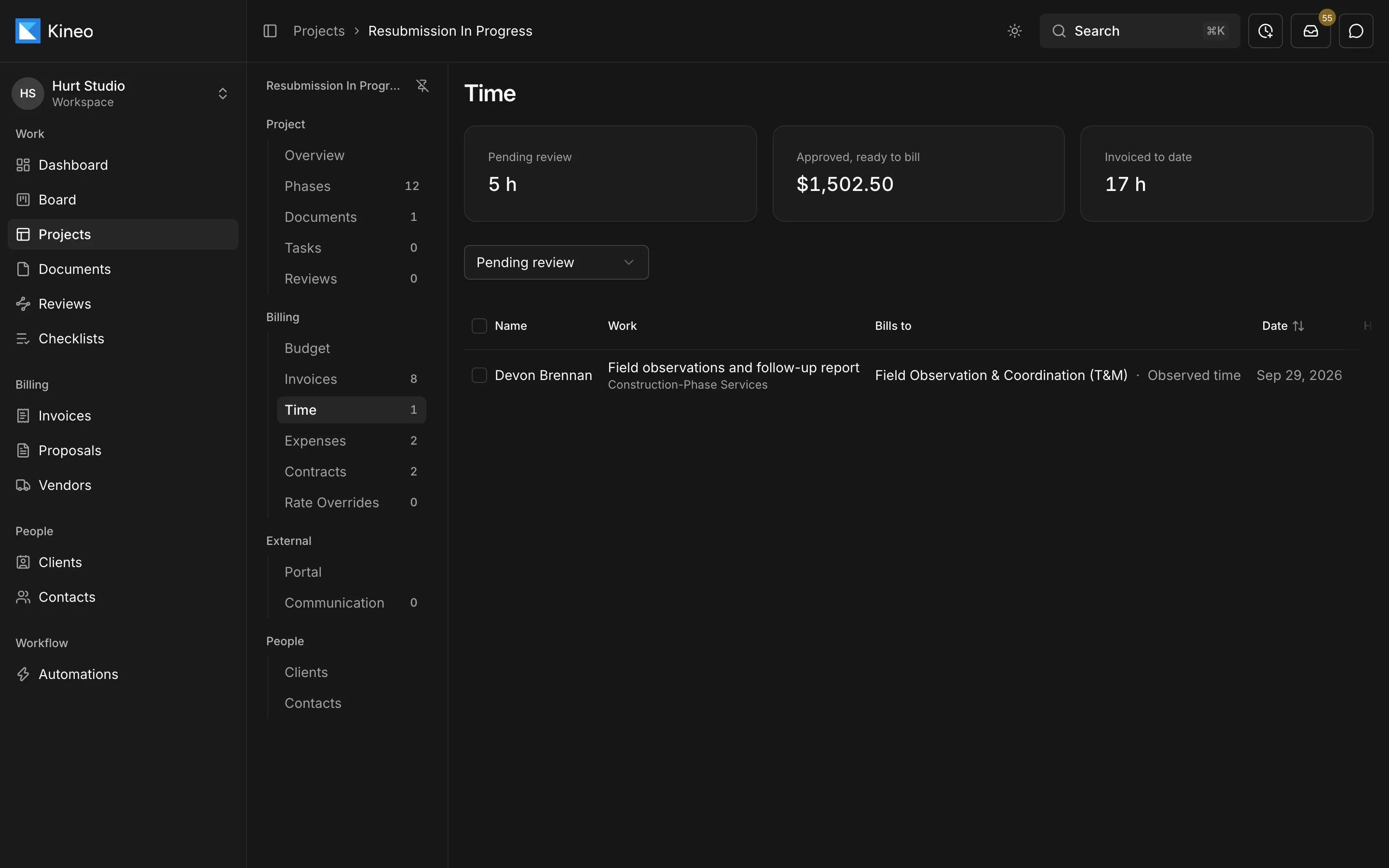
Managers approve hours one at a time or in batches, send entries back with a note, or mark them non-billable. An entry's value is fixed when it's approved, and approved time shows up as ready to bill.
Rates with start and end dates
Set up labor categories and rate tables with effective and expiry dates, and override them by person, phase, fee line, or category on any project. Each time entry records where its rate came from.
Expenses and markup
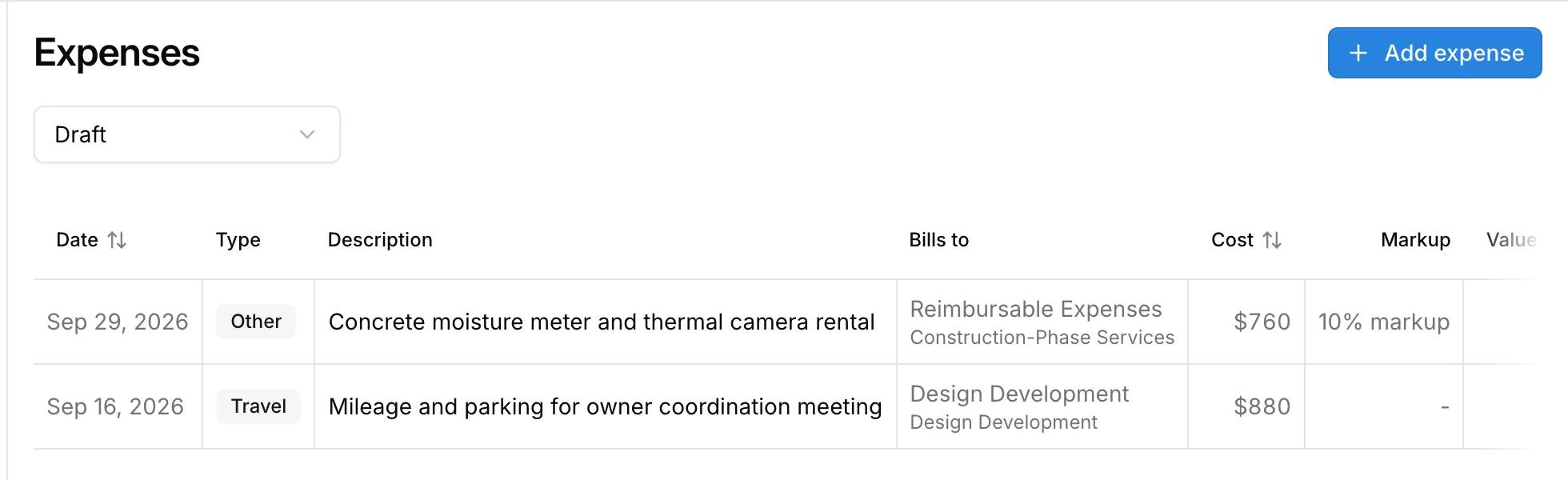
Track reimbursables, subconsultants, permit fees, travel, printing, and other costs, each with its cost and markup. Choose how markup appears on the invoice: at cost, as a disclosed markup, or included in your multiplier.
Expenses go through the same approval as time.
Common questions
Try Kineo on a project you're working on now
Set up a project with its contract and phases, invite your team, and give the assistant some of the routine work. Your first 14 days are free, with every feature included.